Adyen payments is a powerful, enterprise-grade processor built for scaling and global businesses. Learn how it works, who it’s best for, real pricing, key features, pros and cons.
Key takeaways
- Adyen is a full-stack payment platform best suited for scaling businesses with high transaction volumes and global reach.
- Local acquiring and smart routing deliver higher approval rates, especially for international and repeat customers.
- Small or early-stage sellers should avoid Adyen due to minimum invoice requirements and complex setup processes.
Adyen payments is one of the most powerful payment processors on the market, built for businesses that sell at scale.
It is especially helpful if you operate globally, run multiple sales channels, or need a highly optimized checkout. That's because Adyen is fast, secure and packed with enterprise features like smart routing, fraud protection and unified commerce.
But it’s not the simplest option. If you’re a small seller or want a plug-and-play processor with transparent pricing, Adyen may feel too complex.
Let's take a look at how Adyen works, and whether it's right for you.
Looking for a platform or marketplace solution? Read our Adyen for Platforms review instead.
How Adyen payments works for sellers
Adyen is a full-stack payments platform, meaning it handles every part of the transaction, from the moment a customer enters their card details to the moment the funds land in your merchant account.
Adyen acts as the payment gateway, processor and global acquirer all in one.
What does that mean? Here’s what that looks like in practice:
1. Your customer heads to checkout
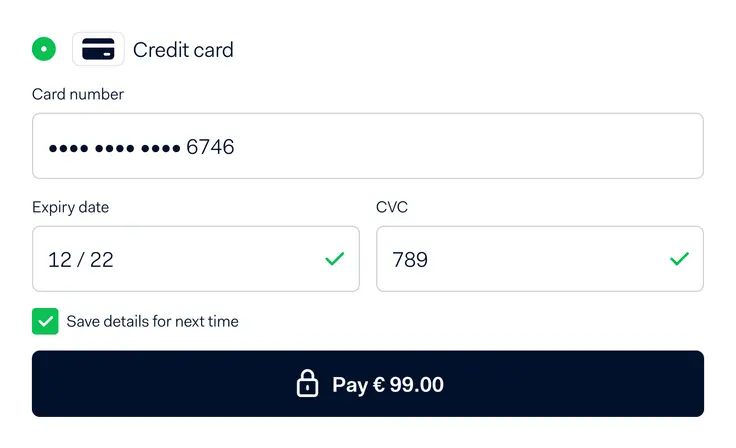
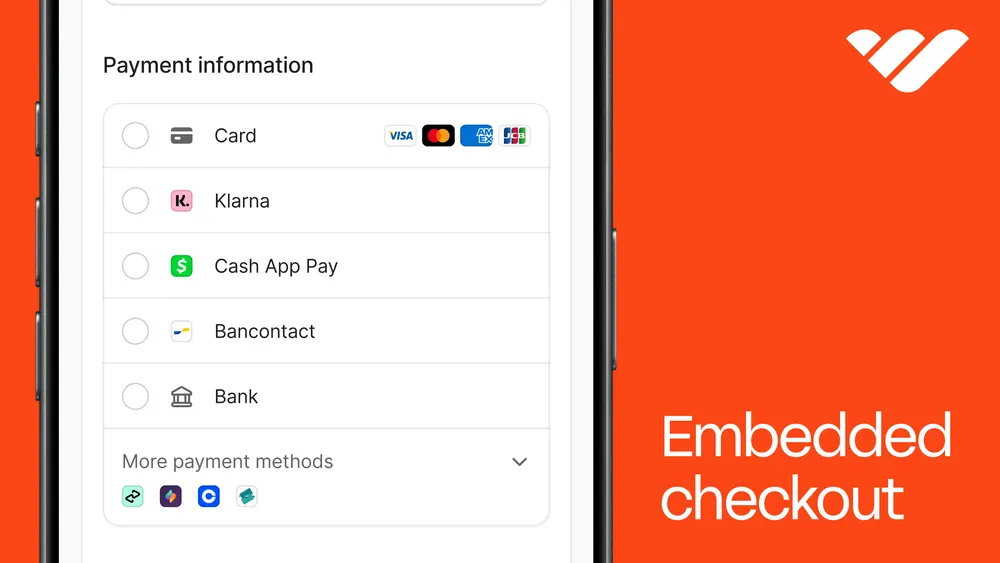
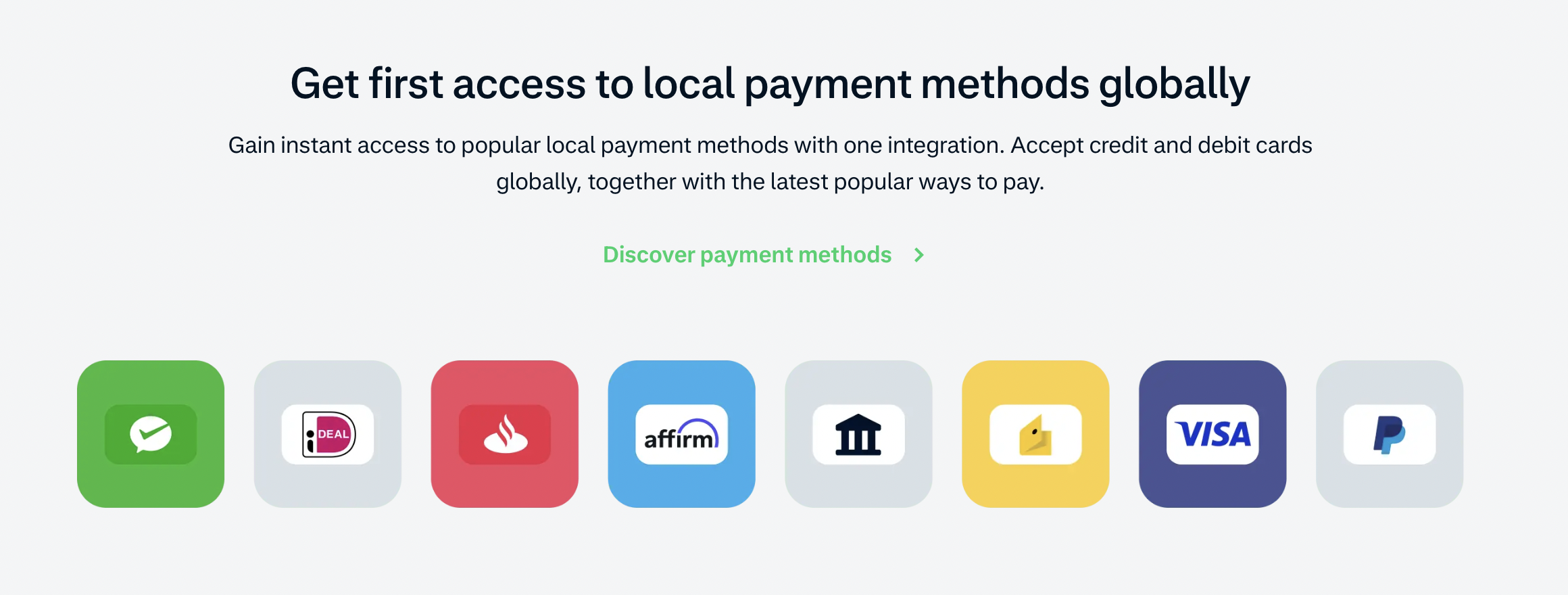
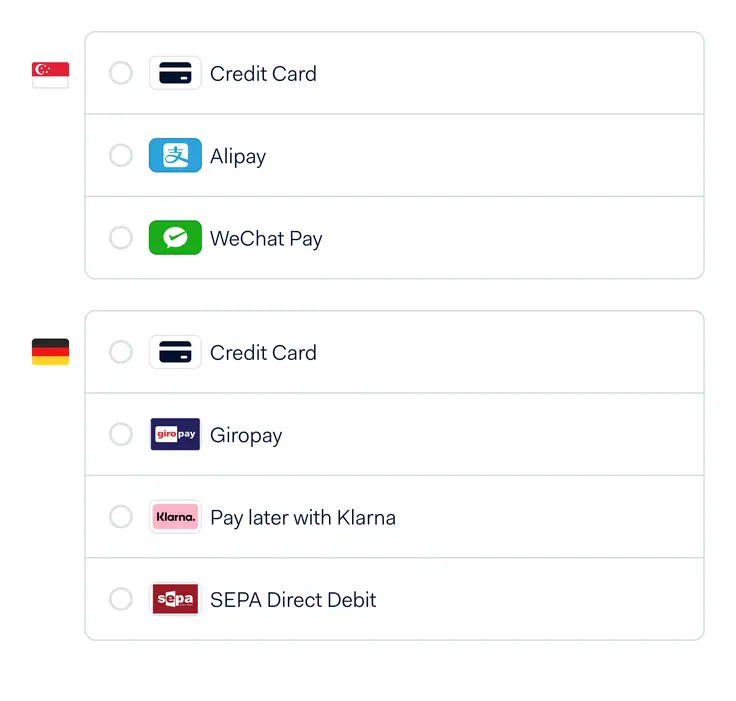
When your customer is ready to pay, Adyen gives them a localized checkout experience. They’ll see payment methods relevant to where they live - cards, digital wallets like Apple Pay or Google Pay, ACH, bank transfers, BNPL options or local methods like iDEAL or Alipay.
2. Adyen routes and approves the payment
Once the customer submits their payment, Adyen takes over. Adyen holds acquiring licenses in dozens of countries and uses smart routing to push each transaction through the most likely path to get approved.
This can lead to higher authorization rates, which is especially important if you sell internationally or have repeat customers. Cathay Pacific, for example, saw a 10% increase in authorization rates in India after moving onto Adyen’s local acquiring – Percy So, Global Payment Architecture and Revenue integrity manager at Cathay Pacific, says in an Adyen case study: "Adyen’s local acquiring helped us improve our operations significantly. It led to a 10% conversion rate increase and higher revenue, as well as a better customer experience"
That matters in a market where international payment methods typically see lower approval rates than local ones.
3. Fraud checks happen automatically
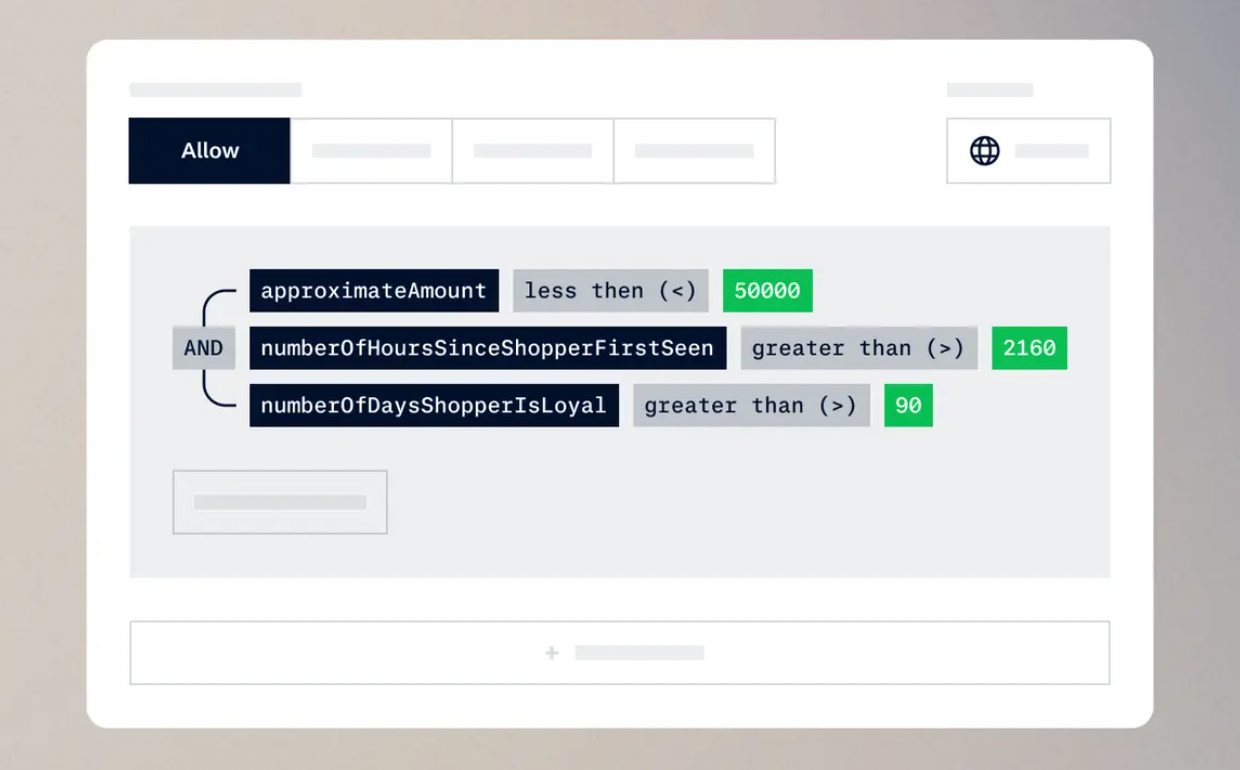
Adyen’s built-in risk engine, Protect (formerly RevenueProtect), screens every transaction using machine learning and customizable rules.
Although automatic, you can still have some control over this step, and can tighten or loosen rules depending on your business model.
4. Funds settle into your merchant account
Payout timing varies by region, but you will typically receive funds within a few days. Everything is tracked in the Adyen dashboard - including disputes, payment method breakdowns and customer insights.
The documented payout delay of Adyen is two business days when at least 80% of your transactions are in USD, AUD, CAD, EUR, GBP, NZD, RON, or SEK and are acquired in the matching region.
Otherwise, the payout delay is three business days.
Who is Adyen for?
Adyen is built for sellers who are past the startup stage and firmly in their growth era.
Put simply, Adyen is less turnkey than some simpler processors. It’s the one you choose when you need to focus on approval rates, global reach and checkout performance.
Take Mr. Cake, the Swedish bakery and café brand founded by pastry chef Roy Fares. The business has grown from a single Stockholm café to four locations and began using Adyen in 2024. Alongside payments, Mr. Cake used Adyen Giving to add a donation prompt at checkout without any additional integration – customers can give 10 or 15 Swedish krona to UNHCR after they pay, and 9% of them do.
If you’re running an online business across multiple countries or building out a subscription or marketplace model, Adyen may be the right choice. It keeps everything under one roof - customer data, fraud rules, payment methods, reporting, and payouts - making it easier to scale.
But if you’re early in your business or simply moving low volume (or even if you just want something simple and predictable), then Adyen is likely not for you. The setup is heavier, the pricing model is more complex and you’ll get the most value only when you have the volume and team to actually use everything it offers.
Key features merchants should know about
From unified commerce to global acquiring and payment optimization, here are the top features that sellers should know (and if you get confused, don't worry - just watch the videos for more information).
Unified commerce
Adyen runs every payment channel (online, in-store and in-app) on the same system, so your customer data, tokens and checkout flow stay consistent no matter where the sale happens.
Global acquiring
Because Adyen processes payments locally in many regions, sellers usually see higher approval rates, fewer strange declines and smoother international conversions.
Customer banks recognize the processor as being in their country and therefore see it as more trustworthy.
Protect (formerly RevenueProtect) fraud control
Adyen’s built-in fraud engine uses machine learning and customizable rules to automatically block scammers.
Payment optimization tools
Adyen sells the payment optimization tools under Adyen Uplift, which is an AI layer with five modules:
- Optimize
- Protect
- Authenticate
- Tokenize
- Personalize
How to get started with Adyen payments
Ready to start using Adyen payments? Apply for a merchant account, complete KYC and onboarding, choose your integration path, build your checkout, enable payments and go live.
Here's how to do it, step-by-step:
1. Apply for a merchant account
To apply for a merchant account, submit an application so Adyen can evaluate whether your business is the right fit.
Unlike Stripe or Square you do not get instant approval. Adyen asks for the specifics: what you sell, where you operate, your average order value, projected volume and your risk profile.
The platform reviews this information to determine pricing, supported payment methods and whether you qualify for their acquiring stack.
2. Complete KYC, onboarding and payout setup
If approved, you’ll move into a formal onboarding flow. You'll need to provide legal documentation (business registration, tax ID, ownership structure), verify the identity of your directors, and connect your settlement bank account.
Here, you'll also choose your payout frequency and currency. You can set up a payout account for each currency you want to be paid in. If your payment methods support that currency, Adyen pays you in it with no conversion. Any currency you haven’t set up an account for gets converted into your main payout currency.
3. Choose your integration path and build your checkout
Once onboarding is complete, it's time to integrate Adyen with your existing systems. If you’re on a platform that Adyen already supports, then you can plug in using pre-built components.
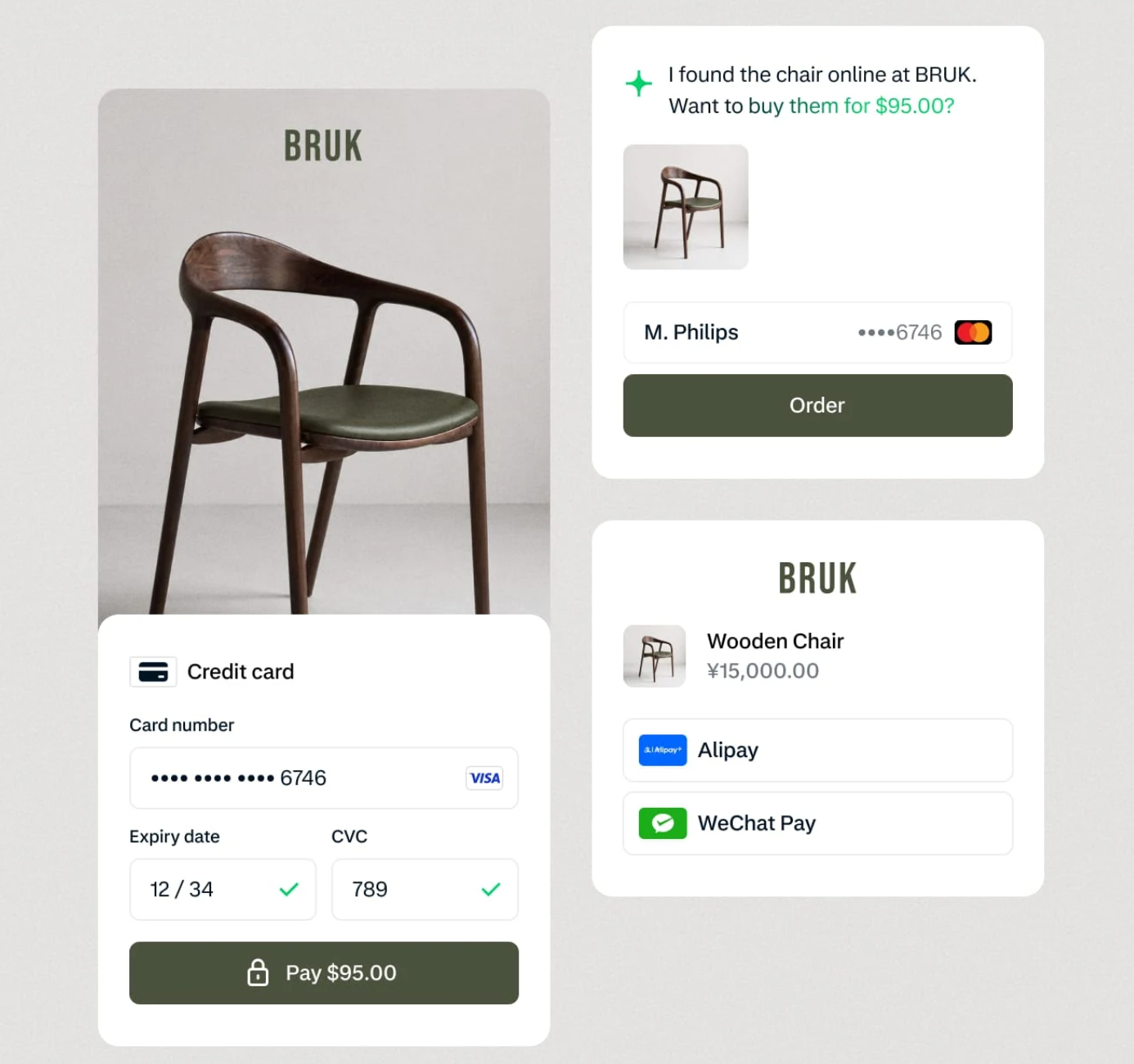
For online payments, Adyen gives you three main ways to build your checkout. Each runs through a single Checkout API that covers every payment method across web and in-app, with support for iOS, Android, React Native and Flutter:
- Drop-in is Adyen’s pre-built checkout. Your server makes one API request, and Drop-in renders every payment method you’ve switched on in a single UI, so shoppers never leave your domain. It comes with saved payment details for repeat customers, WCAG 2.1 accessibility features and Adyen Uplift built in. Adyen says you can deploy it in minutes with no customization needed.
- Components are pre-built payment forms for individual payment methods. You place them into a checkout you design yourself and control the look and feel, while Adyen handles the payment logic and security.
- API-only means building your own payment form and sending transaction data directly to Adyen’s APIs. You get full control over the flow, but it’s also the most work. If you collect raw card details yourself, Adyen requires its prior approval and proof that your systems are PCI DSS certified at the appropriate level.
Whichever option you pick, your developers will still need to do some behind-the-scenes setup. They’ll build a server that sends payments to Adyen, plus a way to receive automatic updates from Adyen when an order goes through, a refund is made, a dispute is opened or a payout is sent.
Adyen offers two ways to set up that server. The simpler one handles 3D Secure (the extra security check some banks ask shoppers to complete) for you. The more advanced one gives you more control, but your developers have to set up 3D Secure themselves. Make sure your developers use Adyen’s current Checkout API – its older Classic API only handles card payments and is no longer being updated.
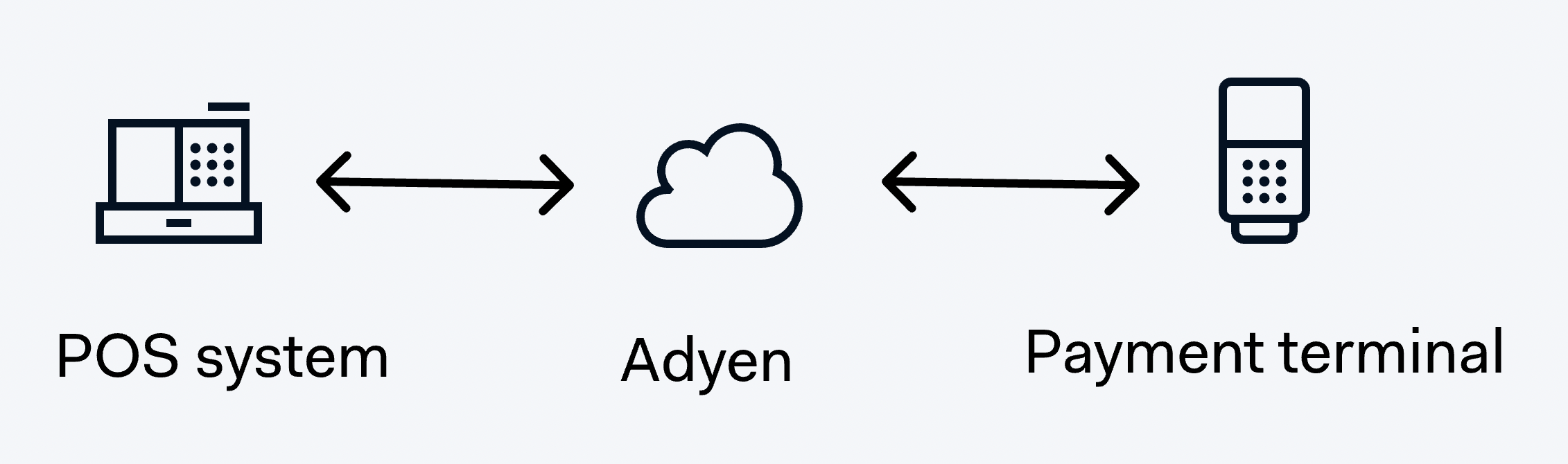
Selling in person? Your developers can connect your point-of-sale system to Adyen’s Terminal API. This lets your till talk to Adyen’s card terminals to take payments, issue refunds and collect customer details.
It works whether your POS system runs on your store’s local network or in the cloud. And because in-store and online payments run on the same Adyen platform, you can do things like refund an in-store purchase from your call center.
The terminals update themselves automatically and can be managed from one central place, so you’re not stuck patching card machines store by store.
4. Set up payment methods and risk controls
Now, this is where Adyen becomes powerful. You can turn on the payment methods your audience actually uses - cards, BNPL, digital wallets or regional methods like iDEAL, Bancontact, Klarna, Afterpay or local debit networks.
You’ll also configure Protect (Adyen’s fraud engine, formerly RevenueProtect) by adjusting risk scores, block/allow lists, device fingerprinting and behavioral signals.
By default, Adyen groups everything you sell in a day into one batch and pays it out after a set delay. Each payout arrives with refunds, chargebacks and fees already taken off, and Adyen produces a settlement report for every batch so you can match it up.
Bank holidays push the payout back, and if you signed up with Adyen through a partner rather than directly, your delay could be 3, 7 or 12 business days instead.
5. Test your entire payment flow in the sandbox
Ready to go live? Test out your system first!
You can run everything inside Adyen’s test environment. Here, you will simulate approved and declined payments, 3D Secure challenges, refunds, partial refunds, chargebacks, payout cycles and recurring billing if you use subscriptions.
This stage helps you confirm that your webhooks fire correctly, your UI responds to failures and your accounting setup matches how Adyen settles funds. It's basically a full dress rehearsal.
6. Go live, monitor performance and start optimizing
If testing is a success, then it’s time to go live.
Your live account is a separate Customer Area at a different web address, and nothing you set up in testing carries over. So, you’ll need to set everything up again: re-add your payment methods, create a login for each team member who needs access, add the bank accounts you want to be paid into, and turn on alerts for fraudulent payments and chargebacks.
Your developers will also need to generate a new live API key, point your integration at Adyen’s live web addresses and recreate your webhooks.
And remember to build in some breathing room. Visa and Mastercard can take up to seven days to enroll you for 3D Secure, so it may not be available the moment your live account switches on.
Once everything is set up, Adyen recommends running a few real payments through, including a refund and a partial refund. These are real transactions, so they come with real fees.
Now you can begin to monitor approval rates across banks, countries and devices.
How much does Adyen cost? Pricing, fees and transparency
Adyen’s pricing is competitive for larger sellers, but not as plug-and-play as flat-rate processors.
Adyen doesn’t charge setup fees, monthly fees, integration fees or closure fees in most regions - you only pay per transaction.
The one fixed cost is a minimum invoice, which depends on your industry or business model. Unfortunately, Adyen doesn't share this detail with the public.
As for transparency, when it comes to card payments, Adyen uses Interchange++ pricing. This breaks out every cost that goes into a transaction - the interchange fee, the scheme fee and Adyen’s markup.
As of August 2026, Adyen's fees for US-based customers are:
| Payment method | Region | Processing fee | Payment-method fee |
|---|---|---|---|
| Visa / Mastercard (cards) | Global | $0.13 | Interchange++, with Adyen's acquirer markup from 0.60% |
| American Express | North America | $0.13 | 3.3% + $0.10 |
| American Express | Global | $0.13 | 3.95% |
| Discover | Global | $0.13 | 3.95% (Interchange++ may apply in some cases) |
| JCB | Global | $0.13 | 3.75% |
| UnionPay | Global | $0.13 | 3% |
| Apple Pay | Global | $0.13 | Follows underlying card fee |
| Google Pay | Global | $0.13 | Follows underlying card fee |
| iDEAL | Netherlands | $0.13 | €0.22 |
| Alipay | Select markets | $0.13 | 3% |
What you’ll pay: a worked example
Say you sell $200,000 a month online in the US, with an average order of $60. That’s about 3,333 card payments a month.
With Adyen, your monthly bill would look like this:
- Interchange: 1.5% to 3.5%+ of sales, so roughly $3,000 to $7,000+, depending on the cards your customers use
- Adyen’s markup: 0.60% of sales, so $1,200
- Processing fee: $0.13 per payment, so about $433
- Card scheme fees on top, which Adyen doesn’t publish an average for
That puts you somewhere between about $4,600 and $8,600+ a month, plus scheme fees. On the same sales, Stripe’s standard 2.9% + 30¢ would cost about $6,800.
In other words, whether Adyen saves you money depends mostly on your customers’ cards. If they mostly pay with everyday debit cards, you’ll land near the low end and pay less than a flat rate. If a lot of them use rewards or business cards, you could pay more.
Keep in mind these are list prices. Adyen describes its published fees as indicative and invites businesses to get in touch about pricing, so larger sellers can often negotiate a lower markup.
Pros and cons: is Adyen the right choice for your business?
Choosing a payment processor comes down to what stage your business is in and how much control you want over your checkout. Adyen is powerful, but it’s not for everyone.
Pros
- Higher approval rates thanks to local acquiring and smart routing
- Strong fraud protection through Protect (formerly RevenueProtect)
- Unified commerce across online, in-store and mobile
- Deep analytics and customization for sellers who want full control
- Great fit for global businesses or those scaling quickly
Cons
- More complex setup and integration than plug-and-play processors
- Interchange++ pricing can be harder to understand at first
- A minimum invoice, set by industry and business model, may not suit low-volume sellers
- Best for established businesses, not early-stage or hobby sellers
Adyen delivers serious performance gains for scaling or global businesses, but if you’re early in your journey or want something simple, you probably don’t need it yet.
How Adyen compares to other ways to accept payments
Adyen isn’t the only option for your businesses. Here’s how it stacks up against four other providers on cost, setup and who each option suits best.
Fees are published US rates and can vary by region, card type and volume.
| Option | Pricing | US card fees | Sign-up | Best for |
|---|---|---|---|---|
| Whop | Flat rate | 2.7% + 30¢ | Self-serve | Businesses that want higher approval rates without managing multiple processors |
| Adyen | Interchange++, plus a minimum invoice | Roughly 2.1%–4.1%+ + 13¢, plus scheme fees | Apply and be approved | Scaling businesses with high volume and global reach |
| Stripe | Flat rate | 2.9% + 30¢ | Self-serve | Online stores, SaaS and subscription businesses |
| Checkout.com | Custom quote | Not published | Contact sales | Digital-native enterprises selling globally |
| PayPal Braintree | Flat rate | 2.89% + 29¢ | Apply and be approved | Merchants who want cards, PayPal and Venmo on their own checkout |
Adyen’s fees are shown as a range because it passes card network fees straight through to you instead of charging one flat rate. Your real cost depends on the cards your customers use, so everyday debit cards cost less and rewards and business cards cost more. International cards and currency conversion add extra fees across all of these options.
Comparing Adyen and Stripe directly? Read our Adyen vs Stripe guide.
Give your business the payment setup it deserves with Whop
Adyen is a world-class payments platform for a reason. It delivers strong authorization rates, solid fraud protection and a unified system that works across countries, channels and customer types. Big brands trust it because it performs, and it’s easily one of the most powerful processors out there.
But, Adyen pays off once you have the volume and the team to make the most of it. Until then, the application process and minimum invoice can introduce roadblocks to your roadmap.
With Whop, getting set up takes minutes. There's no minimum invoice, and no setup or monthly fees. Plus, you decide how your customers pay – send them a checkout link, embed Whop checkout into your site or app, or accept payments in person with tap to pay. Whop offers 100+ payment methods across 135+ currencies and 195+ countries and territories.
Whop is the end-to-end platform for building a business. Set up today and start selling.
Adyen FAQs
Is Adyen safe to use for my business?
Yes. Adyen is a fully regulated global payments company with strict security standards, built-in fraud protection and PCI-compliant infrastructure. It’s trusted by enterprise brands for a reason.
How long does Adyen take to pay out?
Payout timing depends mainly on your currencies and where transactions are acquired, though a mix weighted toward slow-settling methods such as American Express can lengthen it. Adyen’s default is sales day payout, with a payout delay of two or three business days.
Does Adyen support subscriptions and recurring payments?
Yes. Adyen offers tokenization, card lifecycle management and recurring billing tools designed for subscription businesses, memberships and SaaS.
What payment methods does Adyen support?
Adyen advertises 200+ local payment methods and 150+ currencies: cards, ACH, digital wallets (Apple Pay, Google Pay), BNPL options (like Afterpay and Klarna), and depending on where your customers are located, local methods such as iDEAL, Bancontact and Alipay.
Is Adyen a good fit for small businesses?
Usually not. Adyen is built for mid-market and enterprise sellers. There’s no monthly fee, but the minimum invoice and technical setup make it better suited for businesses with meaningful volume.